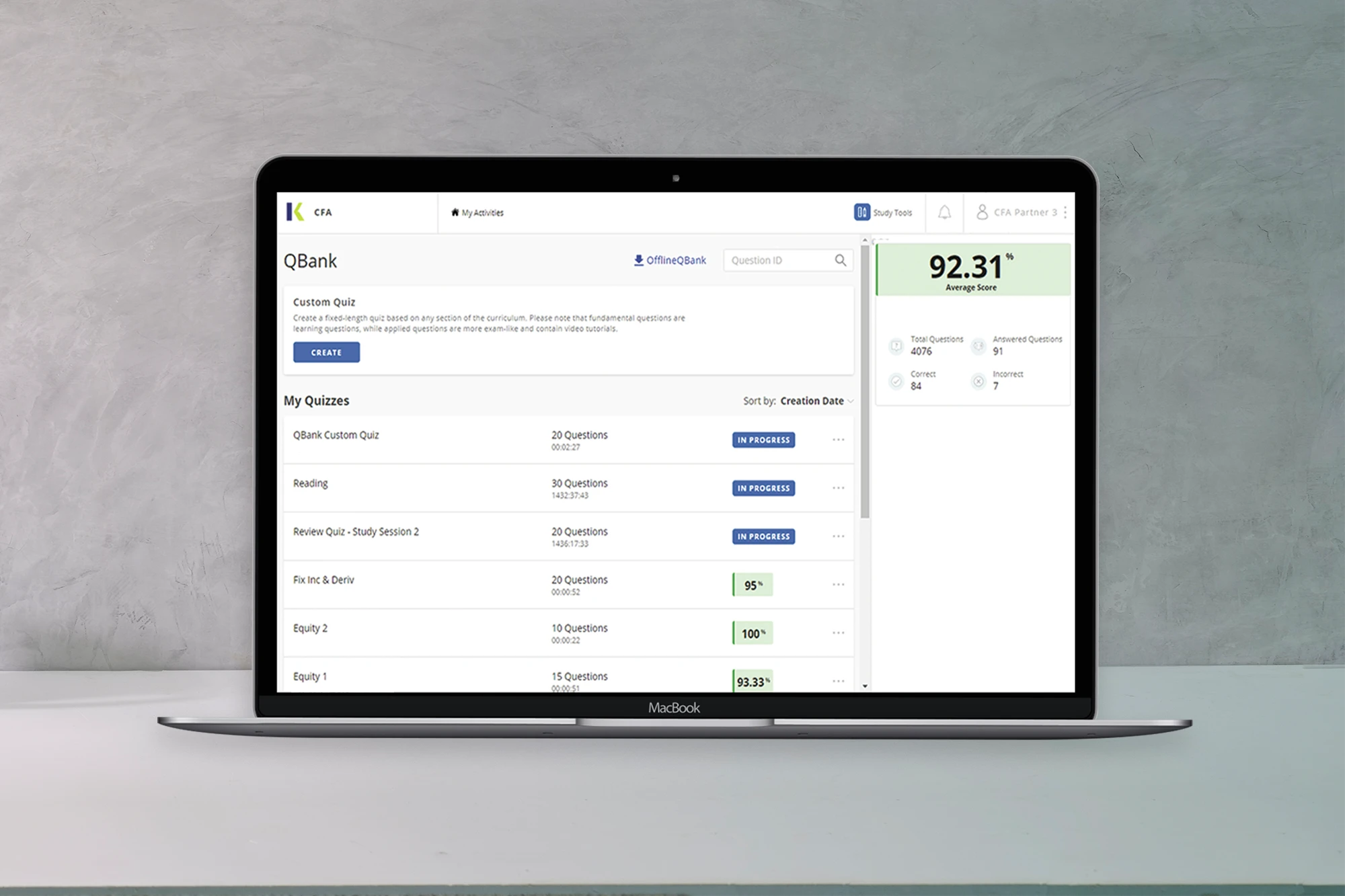
SchweserPro™ QBank requires you to have full administrative rights on your PC. If you are using a work PC, you will need to work with your IT department, as this message is typically due to a firewall problem. You may also need to check the following: Internet Explorer > Tools > Internet Options > Connections > LAN Settings… > uncheck “Use Proxy Server…”, put in the address www.schweser.com and port number 443. If you are using a personal PC that may connect into your work’s server, please go to Internet Explorer > Tools > Internet Options > Connections > LAN Settings > make sure to check and mark “Bypass proxy server for local address.”